تحديثات Echolink 2026

أحدث تحديثات Echolink 2026

تحميل السوفتوير الرسمي لجميع أجهزة Echolink

Echolink E1 HD

★★★★★ 4.6 | 200 تحميل

Echolink E2 HD

★★★★★ 4.5 | 195 تحميل

Echolink Mini HD

★★★★★ 4.7 | 210 تحميل

Echolink Classic

★★★★☆ 4.3 | 180 تحميل

Echolink Prime

★★★★★ 4.6 | 205 تحميل

Echolink Plus

★★★★☆ 4.4 | 190 تحميل

Echolink Smart

★★★★★ 4.8 | 220 تحميل

Echolink Nano

★★★★☆ 4.2 | 170 تحميل

Echolink Ultra

★★★★★ 4.7 | 215 تحميل

Echolink Pro

★★★★★ 4.9 | 230 تحميل

الأسئلة الشائعة

هل تحديثات Echolink رسمية؟
نعم، جميع التحديثات رسمية وآمنة 100%.
كيف أقوم بتحديث الجهاز؟
قم بتحميل التحديث المناسب ثم التحديث عبر USB.
هل التحديث مجاني؟
نعم، جميع التحديثات متاحة مجانًا.
هل يدعم الأجهزة القديمة؟
يعتمد على الموديل، يرجى اختيار جهازك.

IPTV on TV APPLE & STICKQuick

Installation Guide

Follow these simple steps to install and activate IPTV on your APPLE TV or Stick.

BEST PLAYER IPTN IN APPEL TN AND PHONE

App Store only — iPhone / iPad.
⚡ Apple Compatibility — iPhone, iPad & Apple TV

Works on iOS, iPadOS, and tvOS. Add your playlist or Xtream credentials and start watching.

  • iOS & iPadOS: iPhone, iPad
  • tvOS: Apple TV

Supported Apple TV devices:

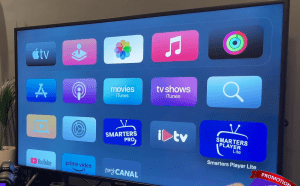
Apple TV HD Apple TV 4K (1st–3rd gen)

Popular iOS / tvOS IPTV apps:

Smarters Player Lite GSE Smart IPTV IBO Pro Player VU IPTV Player

Note: These apps are IPTV players only — add your own provider.

Set Up SMARTERS IPTV on iPad, iPhone & Apple TV

Follow these steps to install and activate your IPTV service in Smarters (on iOS the app is typically called Smarters Player Lite).

Open in App Store
1
Install Smarters Player Lite from the App Store

-1-Install the App

Download Smarters Player Lite from the App Store on your iPhone/iPad. On Apple TV (tvOS), open the App Store and search for “Smarters”.

2
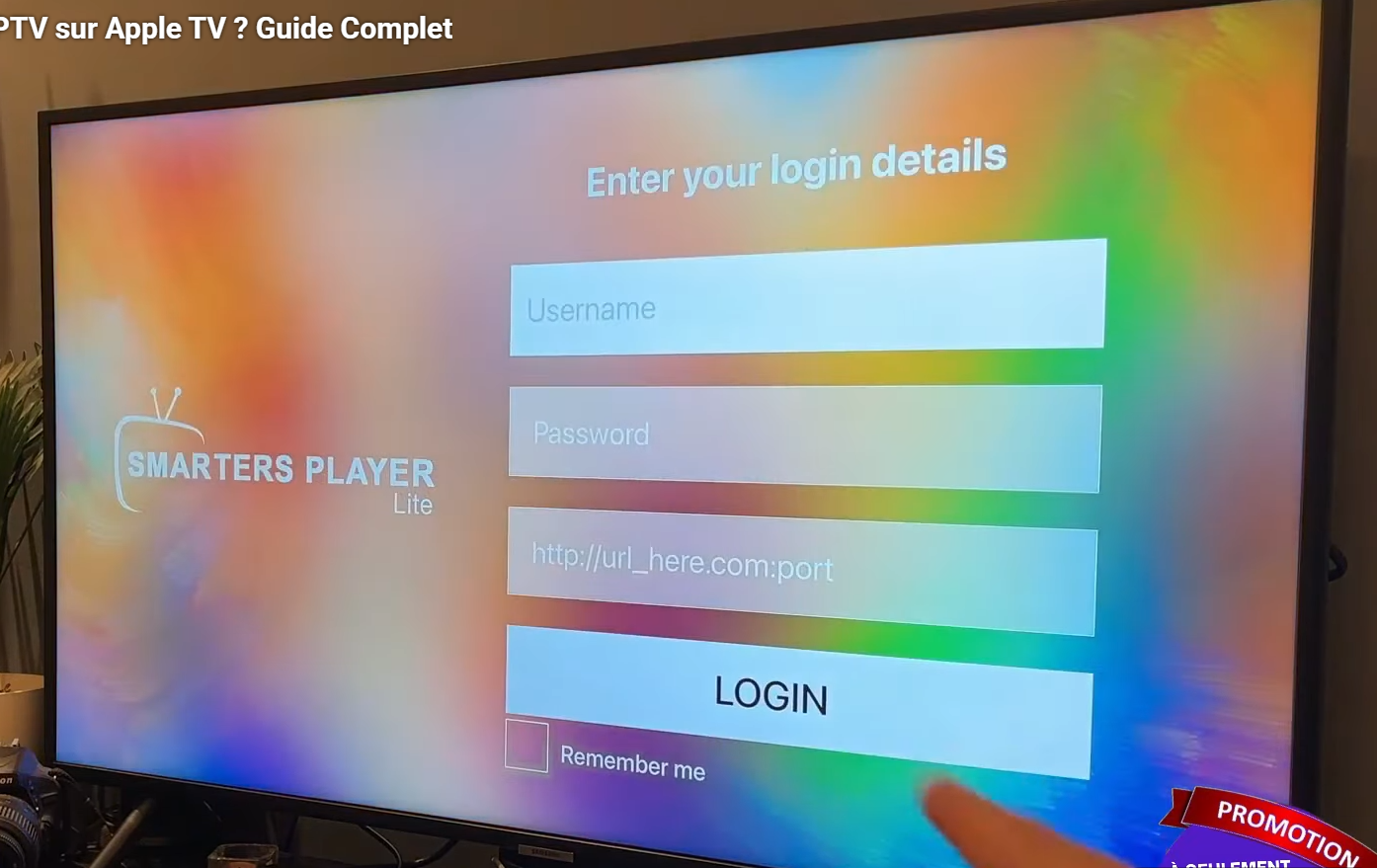
Choose login method in Smarters

-2-Choose Login Method

Select Login with Xtream Codes API (recommended) or Load Your Playlist (M3U) / File-URL.

3
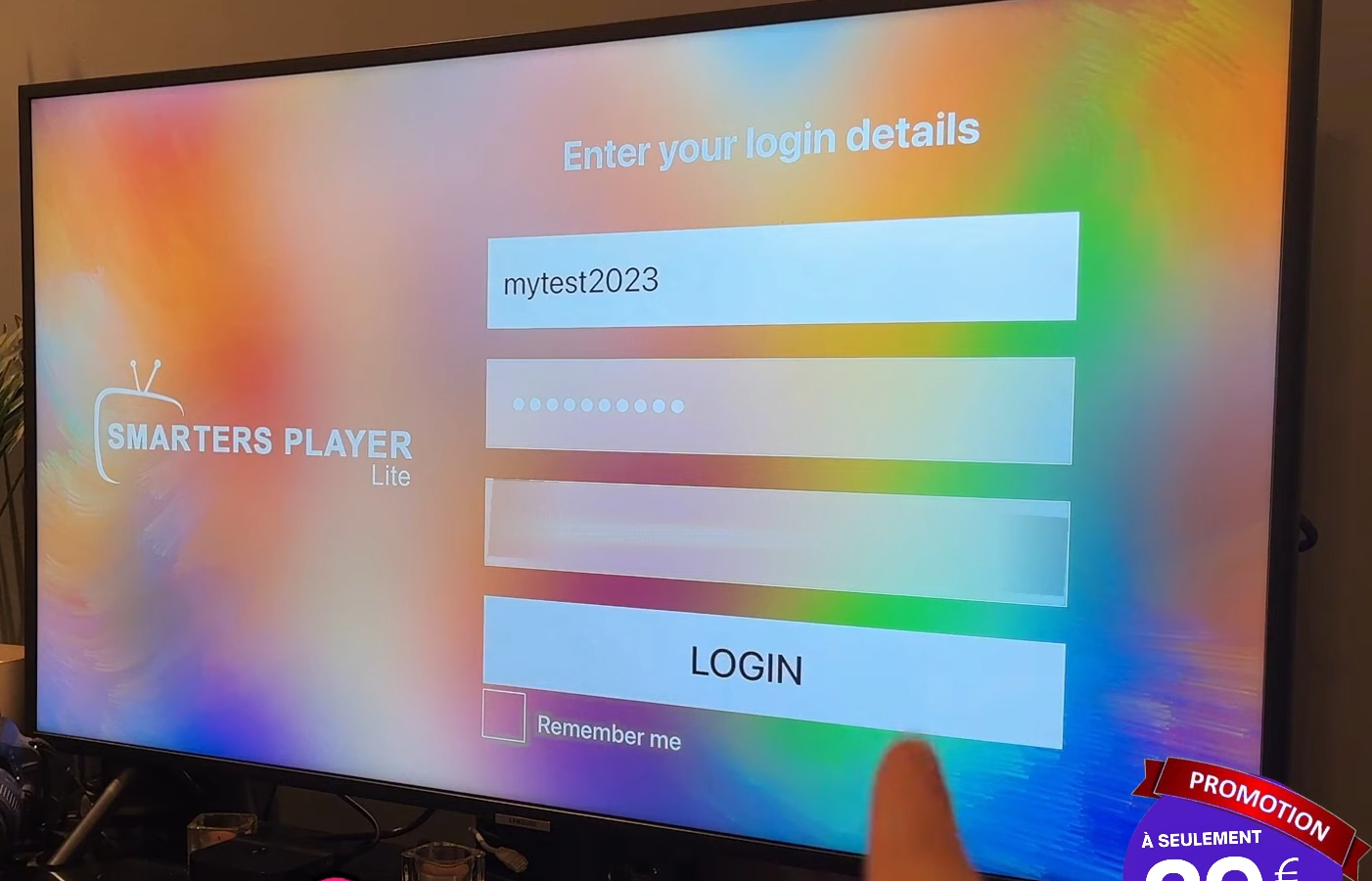
Enter server URL and credentials

-3-Enter Your Details

  • Profile Name: any label (e.g., “My IPTV”).
  • URL/Host: http://your-domain:port
  • Username & Password: provided by your service.
  • Using M3U: paste the M3U URL and (optional) EPG URL.
-3-Edit the field above with your real URL, then tap Copy.
4
Syncing channels and VOD

-4-Connect & Sync

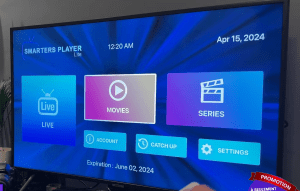
Confirm to log in. The app will sync Live TV, VOD, and Series. First load may take 1–2 minutes.

5
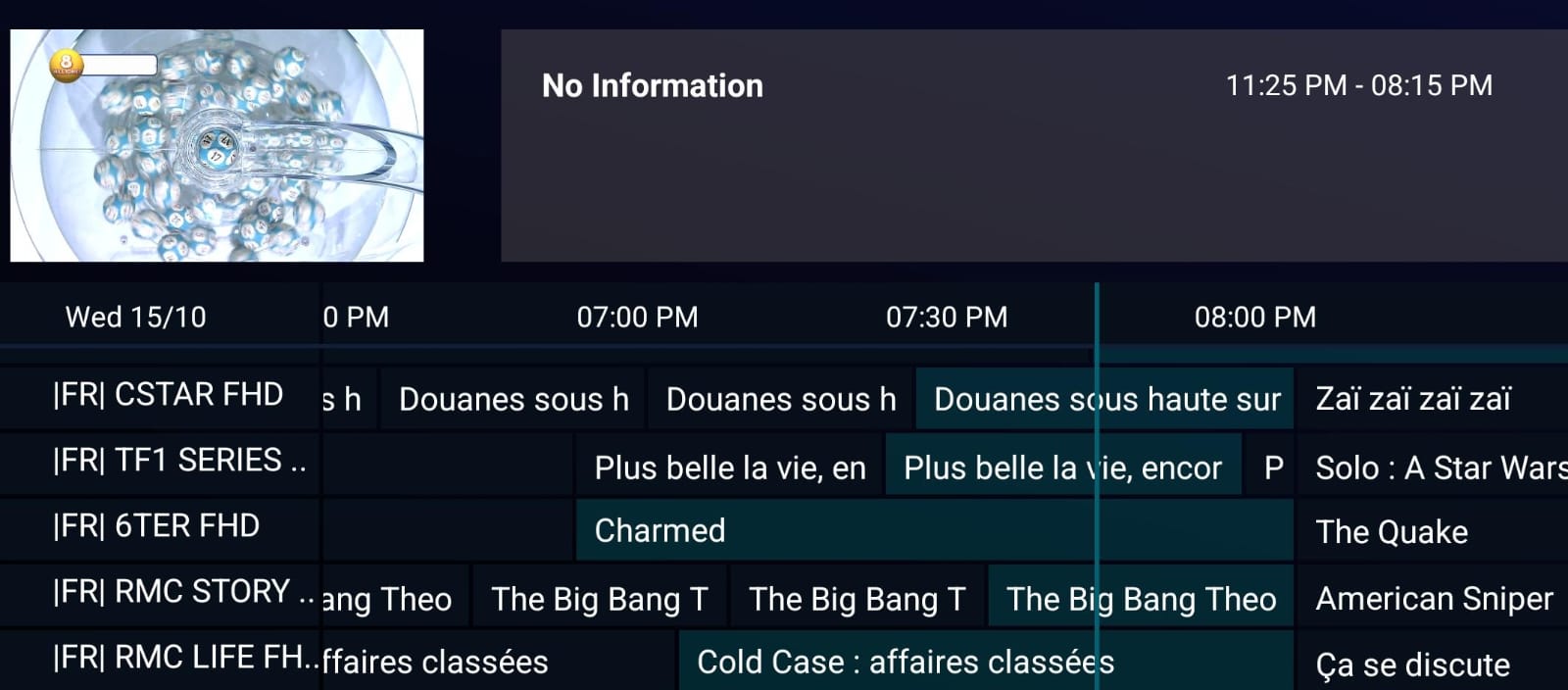
Optional settings in Smarters

-5-Useful Settings (Optional)

  • EPG: enable TV guide if available.
  • Time Shift/Catch-up: if supported by your service.
  • Audio/Subtitles: set default language & captions.
6
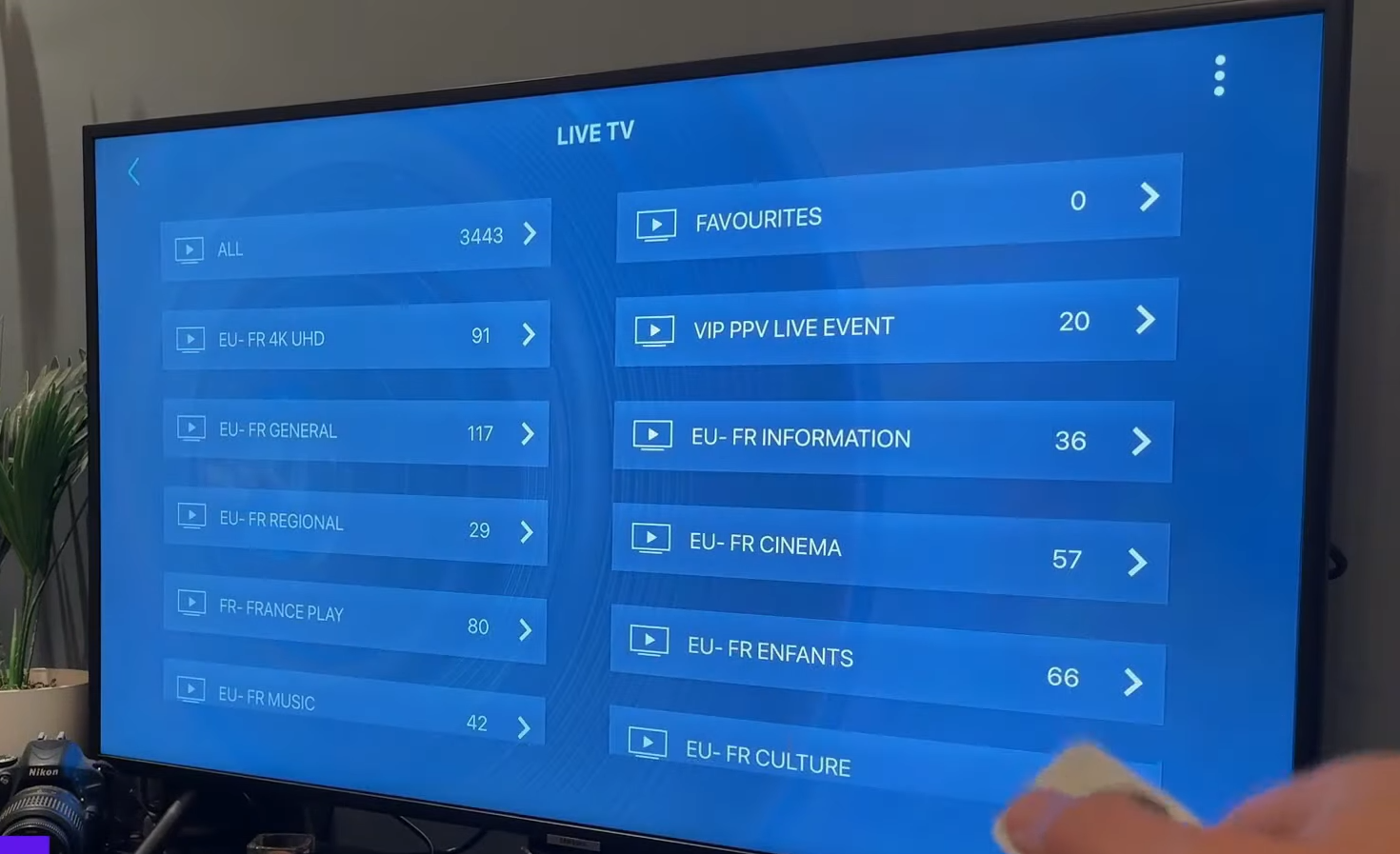
Enjoy watching on iOS and Apple TV

-6-Enjoy watching

Open Live TV, VOD, or Series and start watching. On Apple TV, the navigation is similar: Profiles → Categories → Channels/VOD.

Scroll to Top