تحديثات Echolink 2026

أحدث تحديثات Echolink 2026

تحميل السوفتوير الرسمي لجميع أجهزة Echolink

Echolink E1 HD

★★★★★ 4.6 | 200 تحميل

Echolink E2 HD

★★★★★ 4.5 | 195 تحميل

Echolink Mini HD

★★★★★ 4.7 | 210 تحميل

Echolink Classic

★★★★☆ 4.3 | 180 تحميل

Echolink Prime

★★★★★ 4.6 | 205 تحميل

Echolink Plus

★★★★☆ 4.4 | 190 تحميل

Echolink Smart

★★★★★ 4.8 | 220 تحميل

Echolink Nano

★★★★☆ 4.2 | 170 تحميل

Echolink Ultra

★★★★★ 4.7 | 215 تحميل

Echolink Pro

★★★★★ 4.9 | 230 تحميل

الأسئلة الشائعة

هل تحديثات Echolink رسمية؟
نعم، جميع التحديثات رسمية وآمنة 100%.
كيف أقوم بتحديث الجهاز؟
قم بتحميل التحديث المناسب ثم التحديث عبر USB.
هل التحديث مجاني؟
نعم، جميع التحديثات متاحة مجانًا.
هل يدعم الأجهزة القديمة؟
يعتمد على الموديل، يرجى اختيار جهازك.

IPTV on ROKU — Quick Installation Guide

Add your brief note here (optional).

⚡ Important Note:
This setup guide can also be applied to most other IPTV players such as HOT PLAYER, IB PLAYER, VU PLAYER, RELAX PLAYER, DuplexPlay, Flix IPTV, and similar Smart TV or Android apps.

How to Install & Activate Hot Player on Roku TV

Step-by-step setup guide for Hot Player IPTV on Roku devices.

1. Open Roku Channel Store
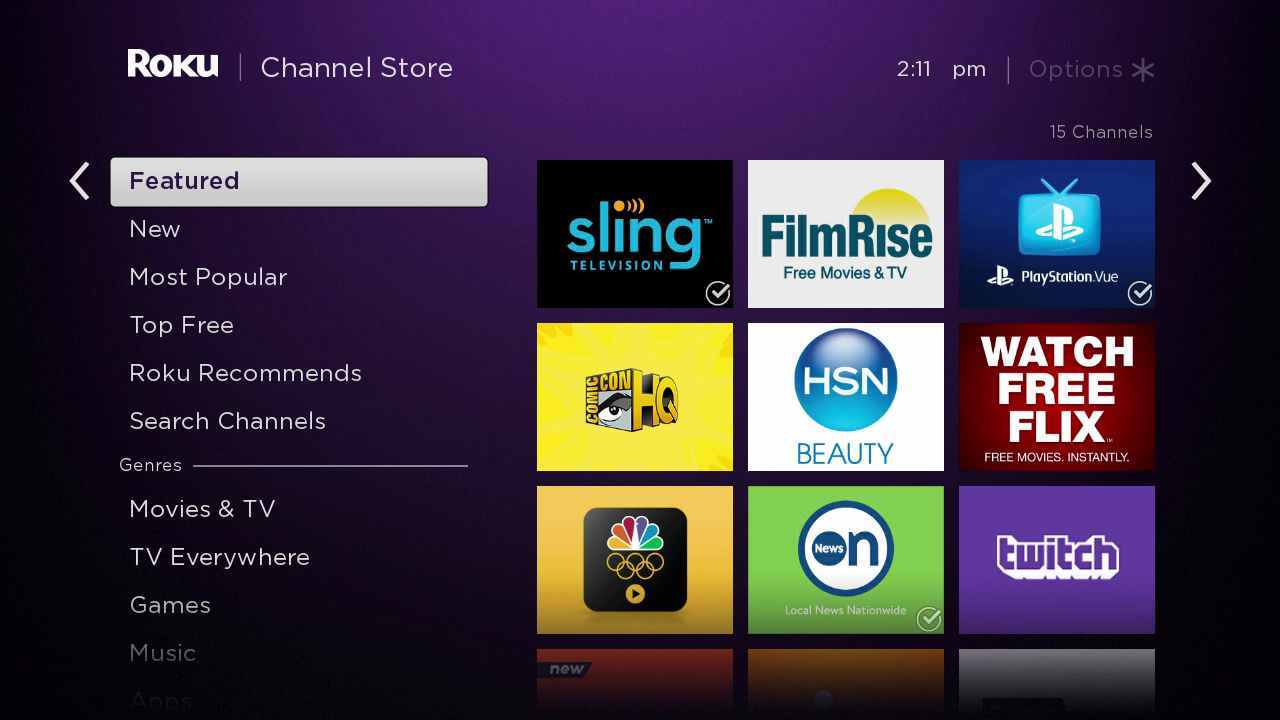
Roku Channel Store Hot Player

From your Roku remote, go to Home › Streaming Channels › Search Channels.
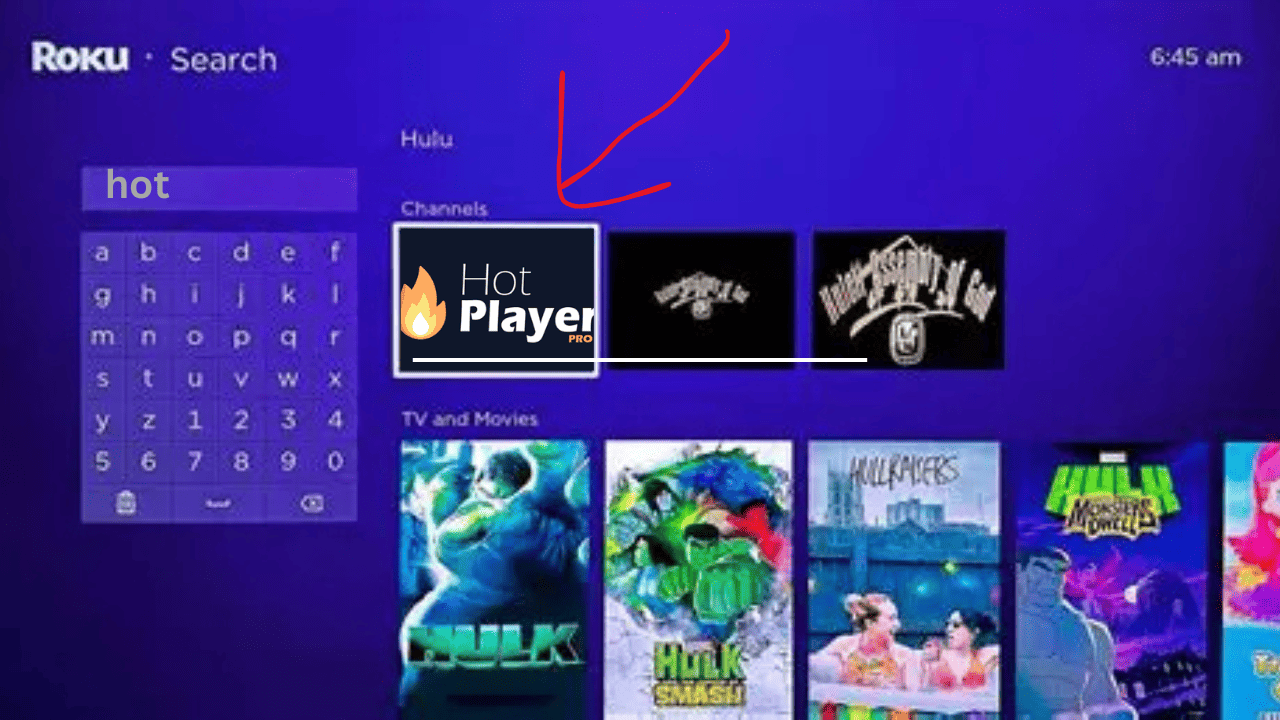
2. Search for “Hot Player”

Hot Player Roku Search

Type Hot Player in the Roku search bar and select it from the list of available channels.
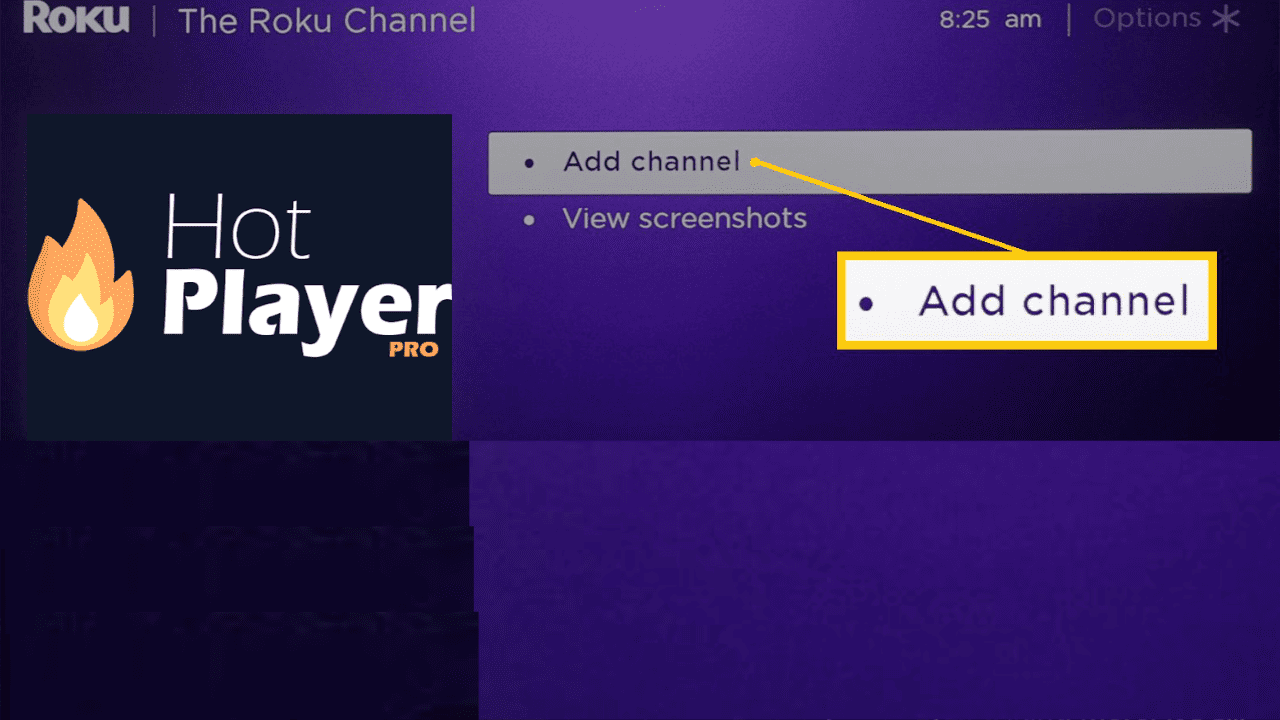
3. Add the Channel

Install Hot Player on Roku

Select + Add Channel to install Hot Player. After installation, it will appear on your Home screen.
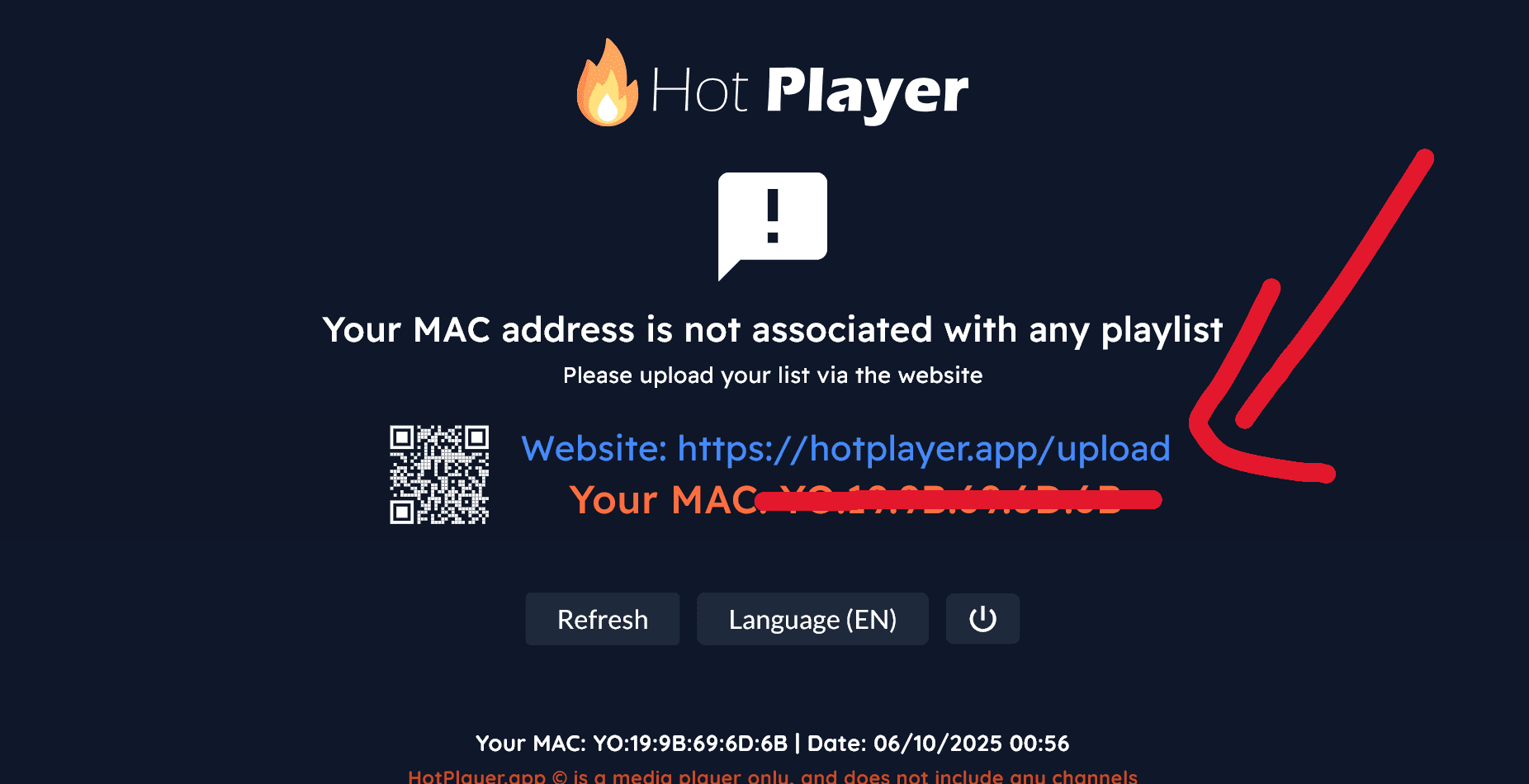
4. Launch Hot Player & Get Device ID

Hot Player Device ID Roku

Open the Hot Player app on your Roku and copy the MAC address or activation link displayed on screen.
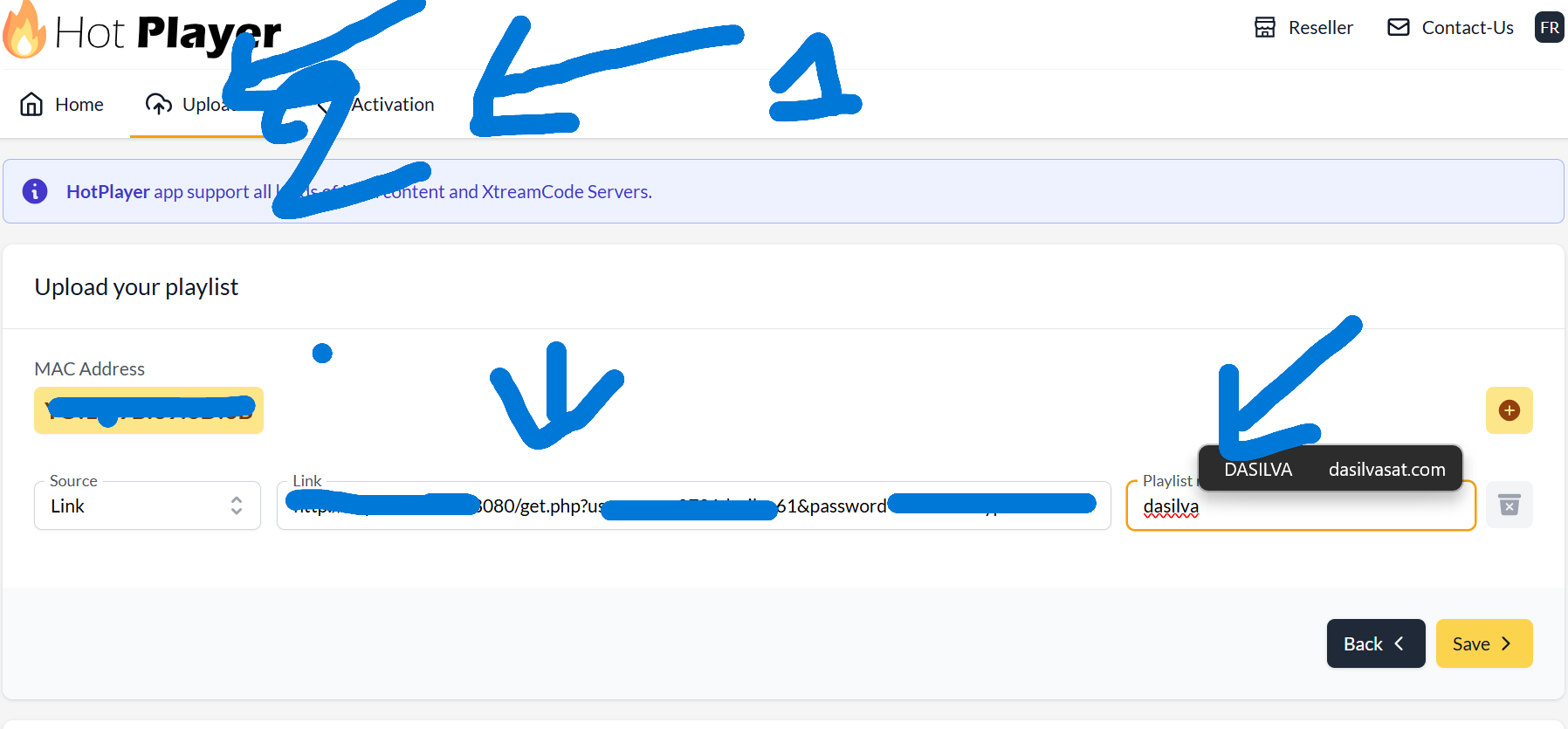
5. Add IPTV Server Info in Dashboard

Hot Player Upload Portal

Using your phone or computer, visit the official Hot Player activation page:

https://hotplayer.app/fr/upload
  • Enter the Device ID / MAC Address shown on Roku.
  • Add your M3U link or Xtream Codes (Server, Username, Password).
  • Click Upload to connect your playlist to Hot Player.

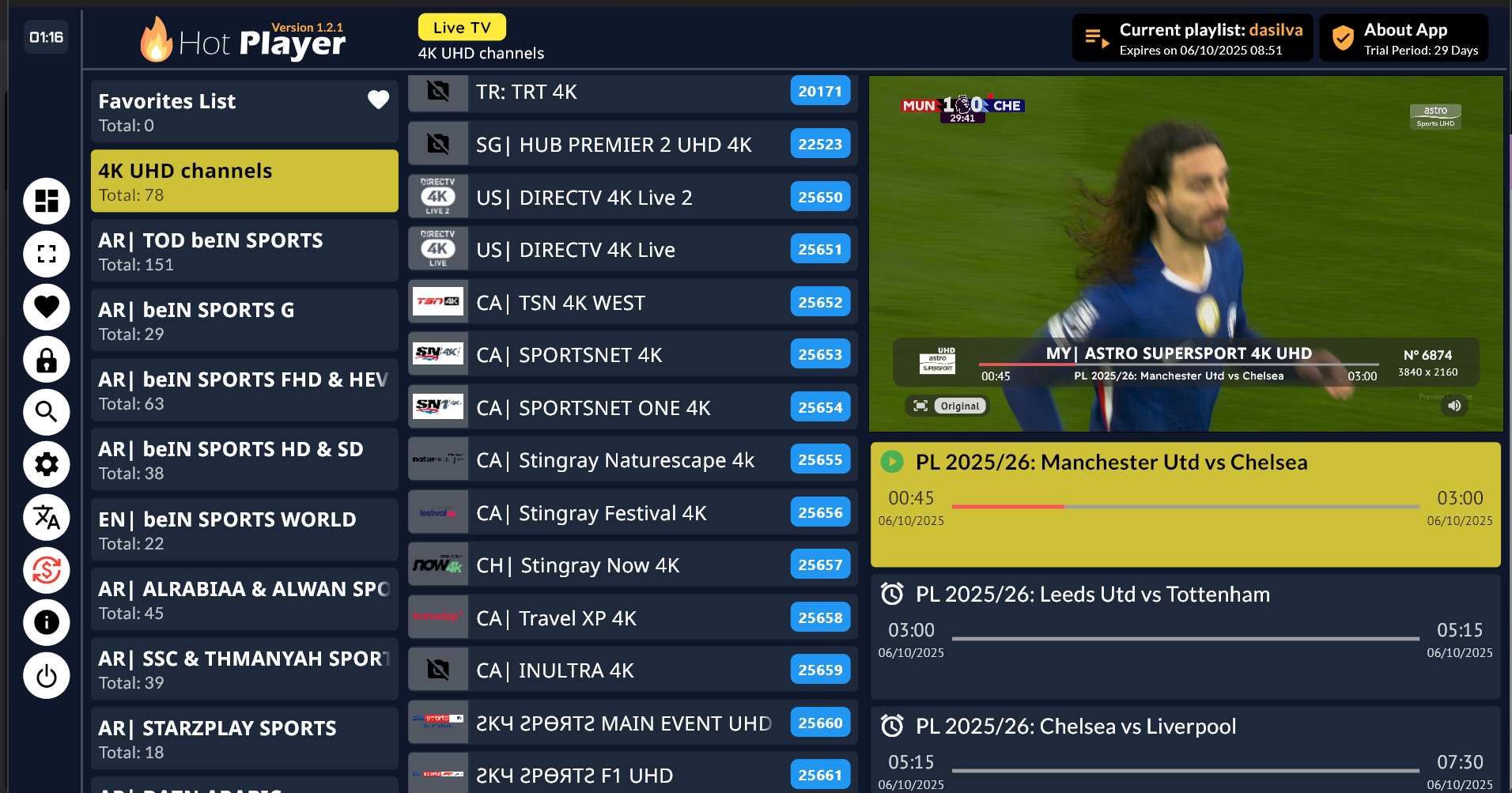
6. Restart the App & Enjoy

Hot Player Channels Roku

Return to Roku Home and reopen Hot Player. Your channels and movies will appear automatically.

Notes:

  • Hot Player is only a player — you must add your own IPTV subscription.
  • Each activation is valid for one Roku device only.
  • If buffering occurs, use Ethernet or reduce stream quality in Settings.
Scroll to Top