
BO-HlaLa FHD Skin for Enigma2
Discover BO-HlaLa FHD, a skin for compatible Enigma2 satellite receivers. Explore the screenshots, check compatibility and review the installation information before changing your receiver interface.
Skin Overview
BO-HlaLa FHD is an Enigma2 skin featured in the Enigma2 community. Compatibility depends on the receiver, image version, package requirements and Python environment. Check the original release information before installation.
- Skin name: BO-HlaLa FHD
- Platform: Enigma2 satellite receivers
- Interface: Full HD skin
- Compatibility: Verify the package requirements for your image
Supported Images and Compatibility
The skin is listed in Enigma2 skin categories associated with OpenATV, OpenPLi and BlackHole. This listing does not guarantee compatibility with every release or receiver.
- OpenATV: check the image version and package requirements.
- OpenPLi: verify Python and receiver compatibility.
- BlackHole: confirm support for your installed release.
- OpenESI and other images: compatibility has not been independently confirmed.
Back up your settings before changing skins. Do not install a package unless it is intended for your receiver and image.
BO-HlaLa FHD Screenshots
Browse the screenshots below to preview the skin. The first four images are hosted on DaSilvaSat and appear in the order supplied.
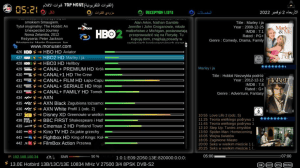
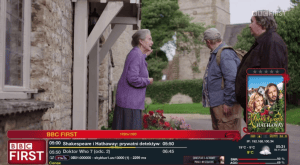
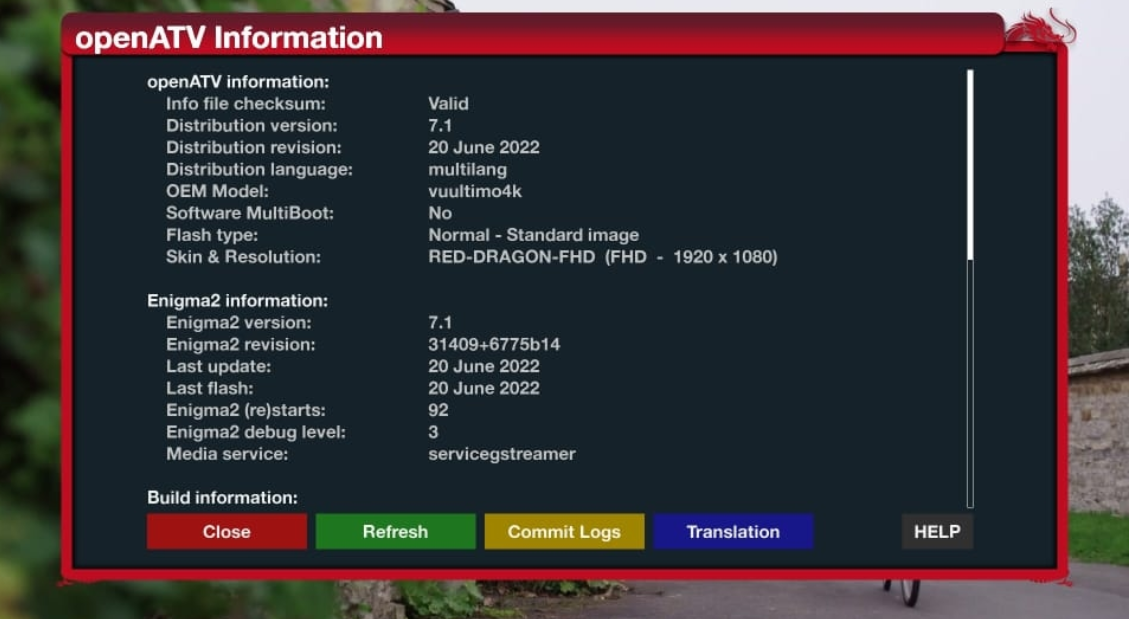
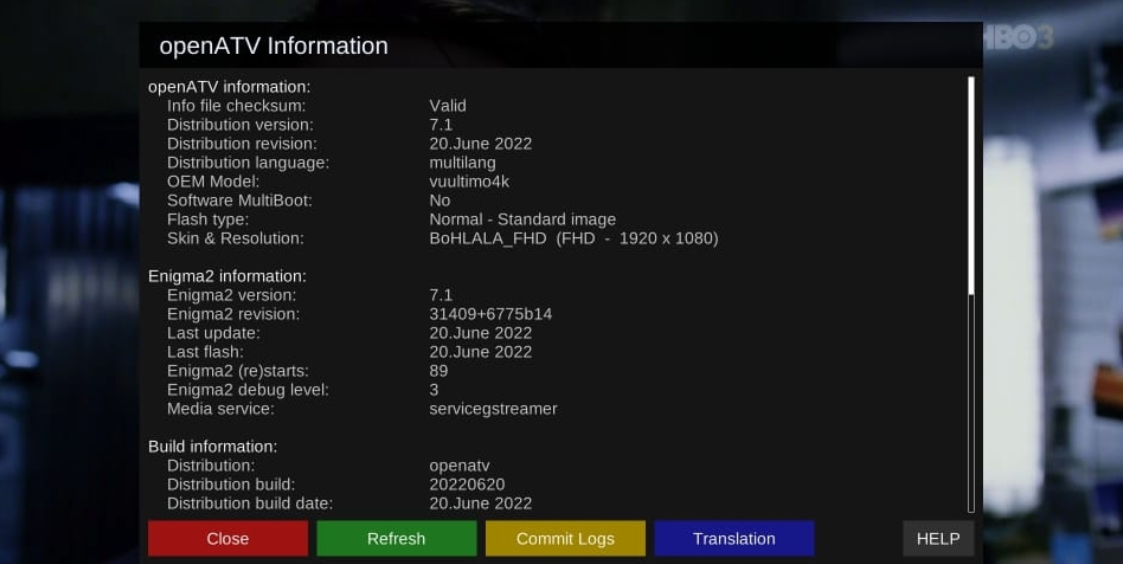
Installation via Telnet
The original publication provides the following installation command. The current script contents and compatibility with every image version have not been independently verified.
Telnet Installation Command
wget https://raw.githubusercontent.com/biko-73/TeamNitro/main/script/installerB.sh -O - | /bin/shThis command downloads and executes a remote script. Verify its source and inspect the script before running it. Back up your receiver settings.
How to Activate the Skin
- Wait for the installation process to finish.
- Open the Skin Settings menu on your receiver.
- Select BO-HlaLa FHD if it appears in the installed skin list.
- Save the selection and restart the graphical interface if requested.
Menu names can vary between images. If the skin does not appear, check the installation result rather than running the installer repeatedly.
Join Our Enigma2 Telegram Group
Join our Telegram community to discuss Enigma2 receivers, skins, plugins and general setup questions with other users.
Original Source
Visit the original publication for the available release information and installation instructions.
Conclusion
BO-HlaLa FHD is an option for Enigma2 users interested in changing their receiver interface. Check compatibility and back up your settings before installing the skin.